Self-Development Organism
Multiple cloud AI agents can collaborate on one codebase through a single shared git repository. Selfdev generates increment-driven prompts and stores progress in git state, so each new agent resumes exactly where the previous one stopped.
What's New: VS Code Agents
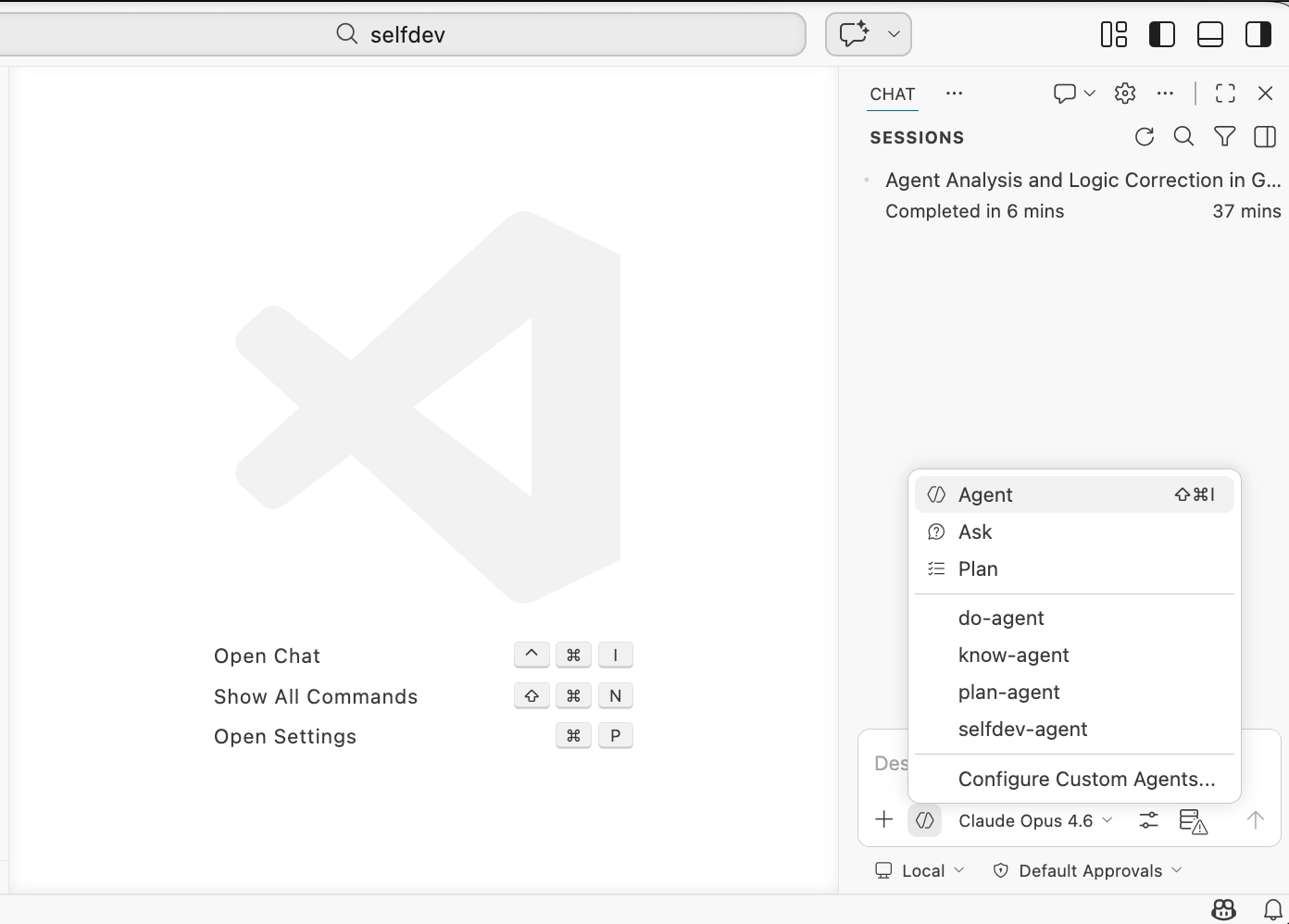
Selfdev now ships with four specialized VS Code agents in .github/agents/. Each agent has a dedicated role in the development lifecycle — pick the right one for the task at hand.
know-agent
Knowledge analyst. Scans principles/, cross-references with requirements/ and source code, validates consistency, and produces a structured quality report — preparing the ground for selfdev-agent.
selfdev-agent
End-to-end development agent. Combines plan-agent analysis with do-agent execution in a continuous loop: creates the requirement, implements each increment, runs tests, commits, pushes, and repeats until all increments ship.
plan-agent sub-agent
Planning and analysis sub-agent of selfdev-agent. Clarifies the task, reviews git history for patterns, analyses the codebase, and creates a detailed execution plan as a new requirements/ increment with acceptance criteria.
do-agent sub-agent
Strict execution sub-agent of selfdev-agent. Picks up the current _todo_ increment and implements it exactly as specified — no deviations, no scope creep. Runs tests, commits with traceability, and halts on any ambiguity for approval.
Use Cases
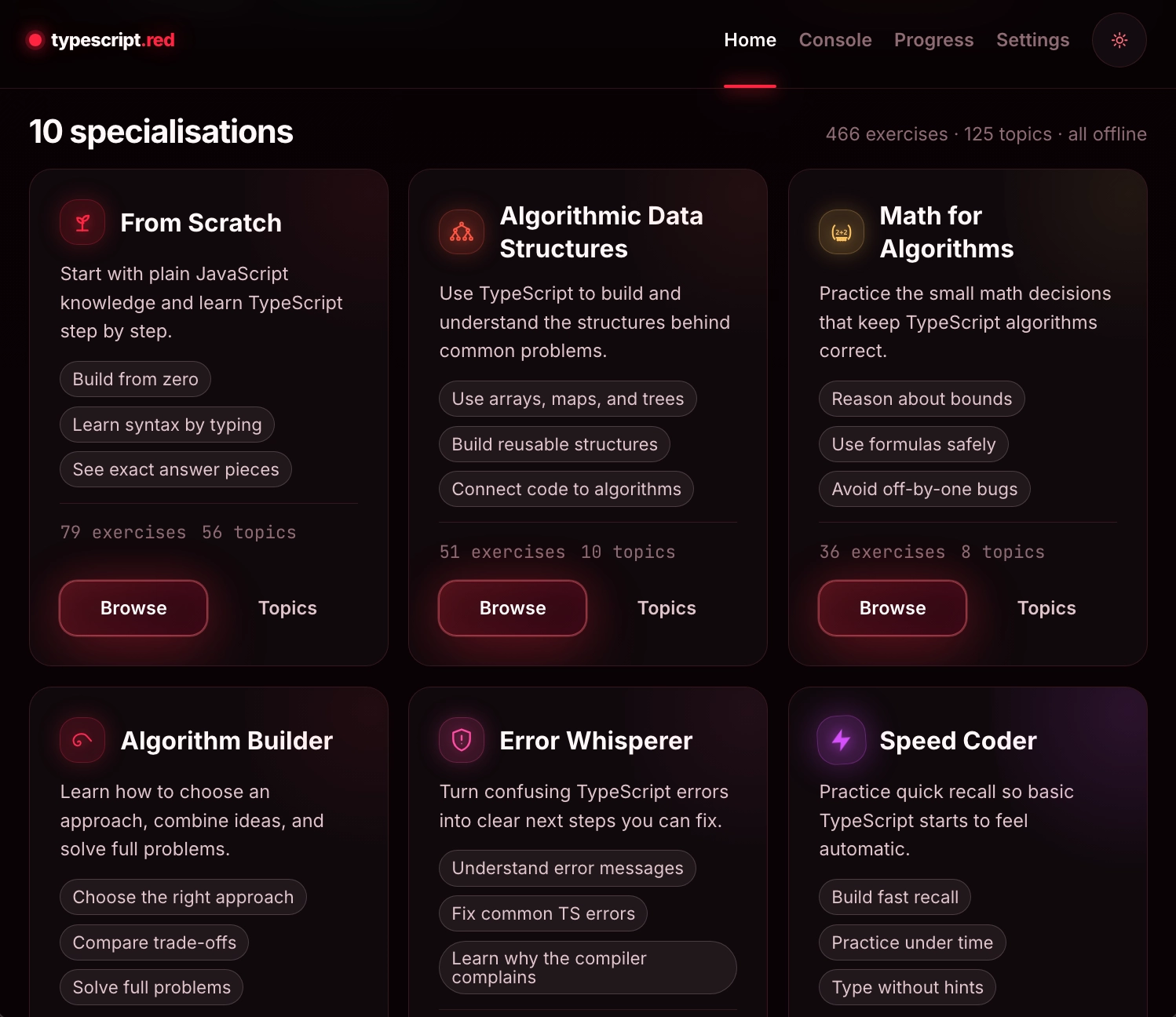
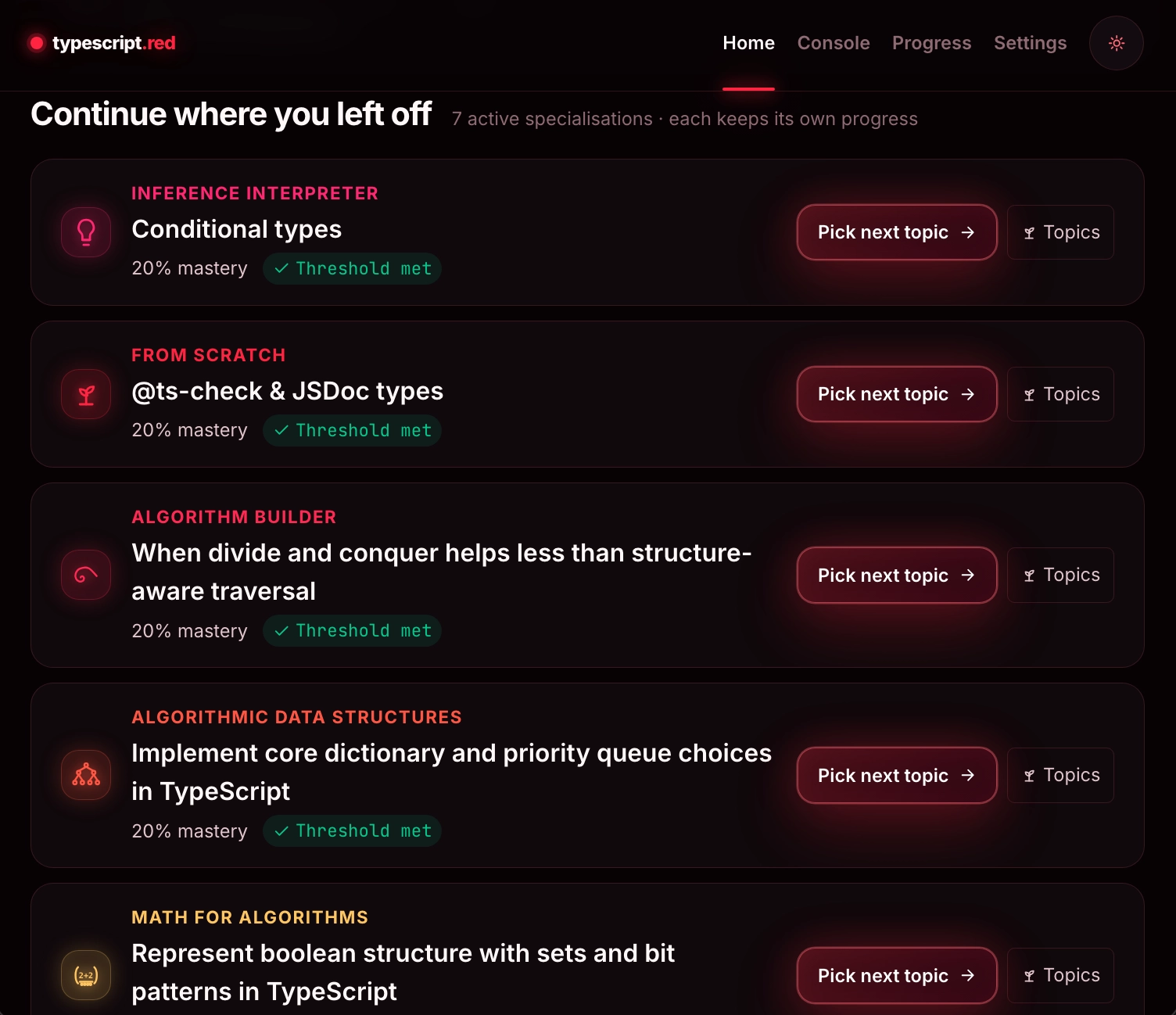
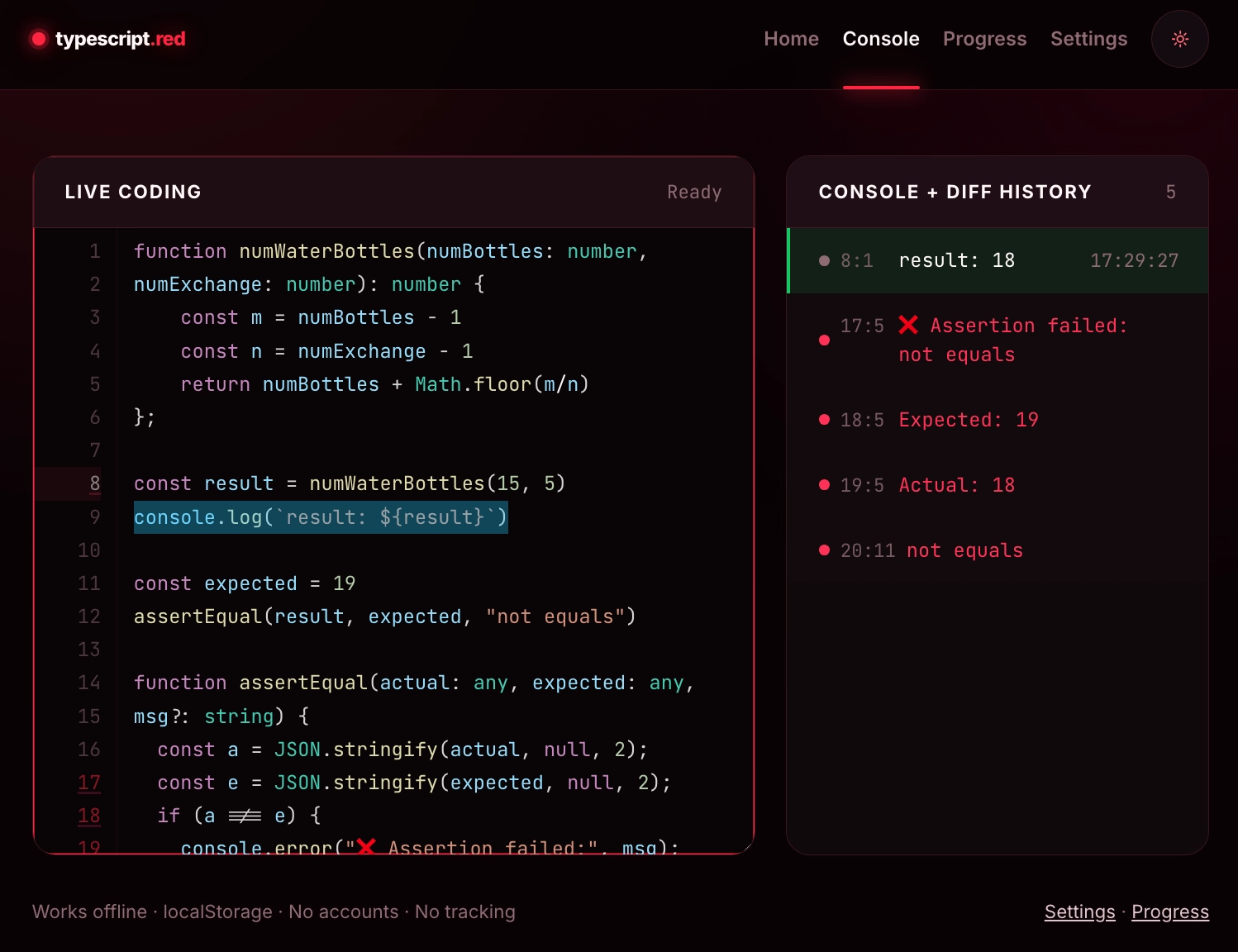
AWS SA Pro Quiz Trainer aws-cert.trushin.vip
100% Free & No Registration. A comprehensive study application featuring Smart Quizzes with Bayesian Adaptive Engine, Interactive Mind Map with unseen/weak-area filters, Spaced-Repetition Flashcards (SM-2), Service Mastery Heatmaps with completion projection, near-miss scoring, detailed per-option feedback, and built-in progression limits for optimal retention.
System Design Quiz Trainer system-design.trushin.vip
100% Free & No Registration. A comprehensive study application focused on Privacy-First learning (Data Stays Local). Highlights include Adaptive Smart Quizzes, Spaced Repetition Flashcards, an Interactive Mind Map with topic filtering, and detailed Explanations with Architectural Diagrams for deeper comprehension.
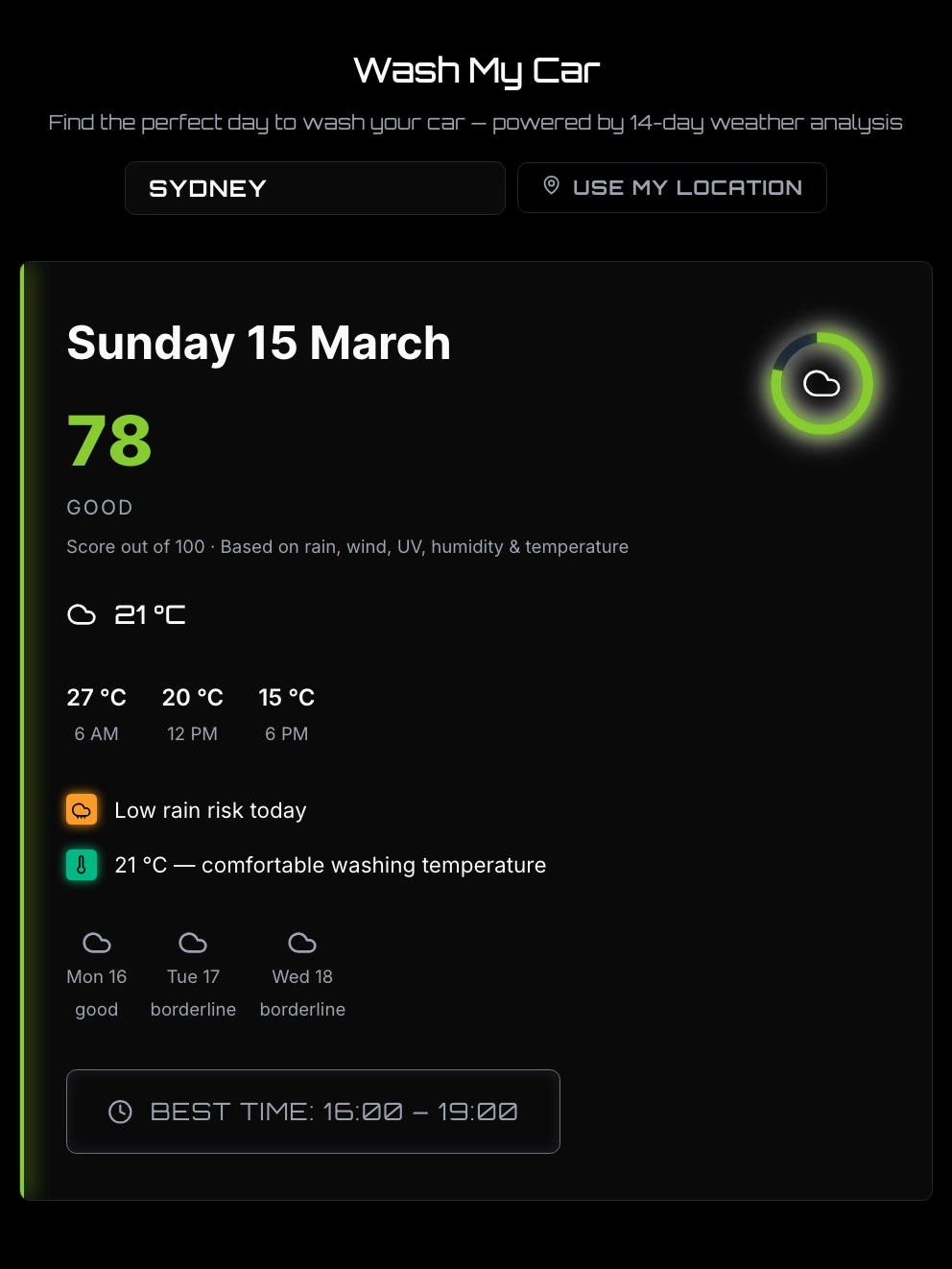
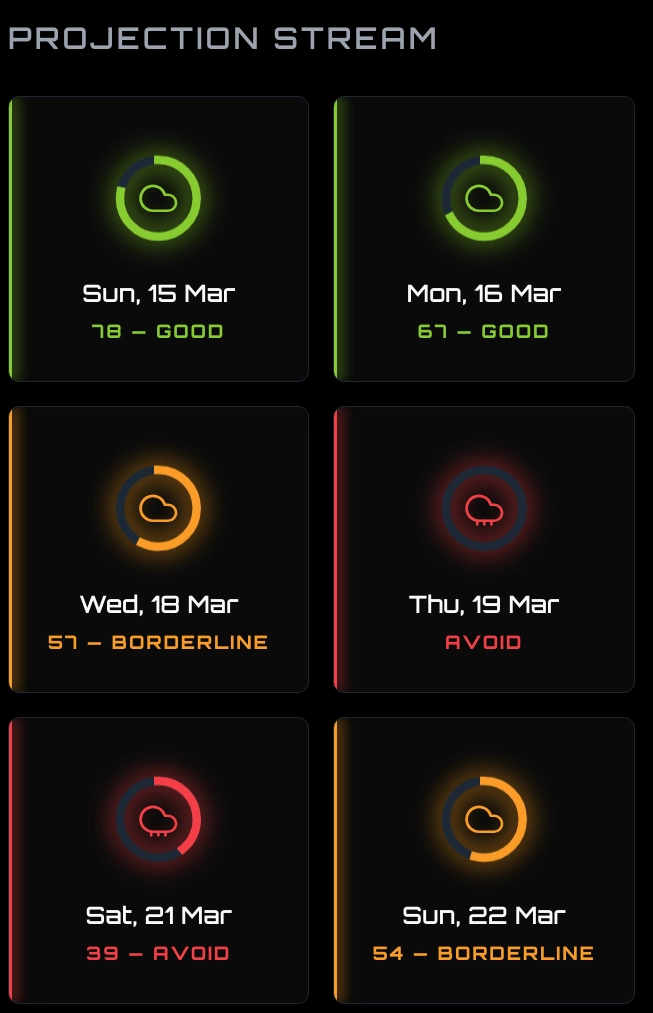
Wash My Car wash-my-car.trushin.vip
100% Free & No Registration. 14-day car wash calendar powered by weather analysis. Scores each day 0–100 based on rain, wind, UV, humidity & temperature. Best-time window recommendation, post-wash rain outlook, and auto-detect location — all privacy-first with data staying local.
trushin.vip
Portfolio website, 100% created by selfdev logic.
cloud-agents.trushin.vip
The how-to guide on Cloud Agents.
selfdev.trushin.vip
This website, developed by selfdev logic.
Why Selfdev
Zero Config
Drop the selfdev/ folder into any project and run. No dependencies beyond Python 3.8+.
Increment-Driven
Requirements split into sequential increments with acceptance criteria. Always know exactly what to do next.
Multi-Perspective
Five built-in perspectives (User, Test, System, Analytics, Debug) score your codebase fitness from 0.0 to 1.0.
Any Agent, Any Cloud
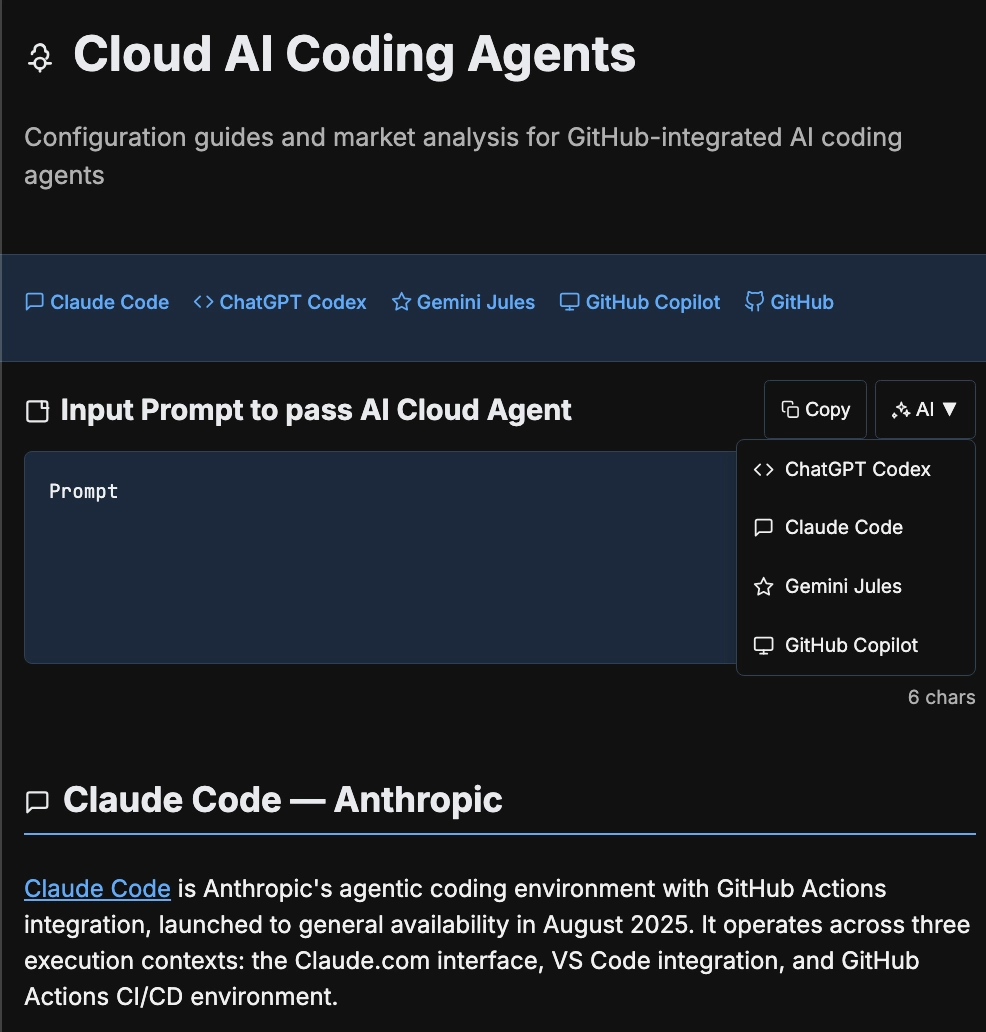
GitHub Copilot, Claude, ChatGPT, Gemini, and Cursor can all evolve the same project via one repo. The project state lives in git, not in any single agent session.
Evolutionary Tracking
Every completed increment advances a generation. Fitness history is persisted so you can see progress over time.
Extensible
Add custom perspectives by subclassing PerspectiveAnalyzer. Adapt the system for any domain.
How to Use
Clone https://github.com/evgeny-trushin/selfdev to a temp dir, copy itsselfdev/,requirements/, andprinciples/folders into my project root, then run./selfdev/develop.sh. Read the generated prompt, implement it, commit, and run./selfdev/develop.shagain. Repeat until all increments are completed.
Requirements: Python 3.8+ (no pip packages needed).
Manual Workflow
CLI Reference
| Command | Description |
|---|---|
./selfdev/develop.sh | Show current increment (default) |
./selfdev/develop.sh --advance | Mark current done, show next |
./selfdev/develop.sh --state | Print organism state & fitness |
./selfdev/develop.sh --user | Documentation, UX, features |
./selfdev/develop.sh --test | Coverage, missing tests |
./selfdev/develop.sh --system | Complexity, coupling, architecture |
./selfdev/develop.sh --analytics | Trends, patterns over time |
./selfdev/develop.sh --debug | TODOs, FIXMEs, bugs |
./selfdev/develop.sh --all | Run all five perspectives |
./selfdev/develop.sh --selfdev | Analyze selfdev itself |
./selfdev/develop.sh --root DIR | Analyze a different directory |
How It Works
Increment-Driven Loop
Requirements are pre-split into numbered increments stored in requirements/. Each increment file contains a description, acceptance criteria, and links to applicable principles.
When you run ./selfdev/develop.sh:
- Find the lowest-numbered
_todo_increment file. - Resolve all referenced principles and inject their full text into the prompt.
- Output a complete, self-contained prompt: requirement + acceptance criteria + principles + commit message.
- You (or your AI agent) implement it and commit.
- On the next run, the system detects the commit, renames
_todo_→_done_, advances the generation, and shows the next increment.
Cross-Cloud Agent Handoff
Selfdev enables stateless collaboration across cloud environments: one agent commits and pushes, the next agent clones and continues immediately without chat history transfer.
Multi-Perspective Analysis
| Perspective | Analyzes |
|---|---|
| User | README quality, docs, feature completeness |
| Test | Test coverage ratio, missing test files |
| System | McCabe complexity, file size, coupling |
| Analytics | Commit trends, fitness history, patterns |
| Debug | TODOs, FIXMEs, syntax errors, uncommitted changes |